The official Michigan Lottery app can check eligible paper tickets, show draw results and provide account services. It also gained a remote ticket cashing option on November 16, 2026. This guide explains how to find the correct app, prepare access, read scanner responses and keep checking separate from claiming. Current eligibility comes from the operator; a third-party results comparison cannot approve a ticket or release a prize.
Download the official Michigan Lottery app
The best starting point is the Michigan Lottery mobile app page, rather than a general search for a free ticket scanner. Follow its store link for your device. That establishes a useful chain: the state operator identifies the software, the store distributes it, and the app connects you to the operator's services. A download button on a separate results website does not establish the same relationship.
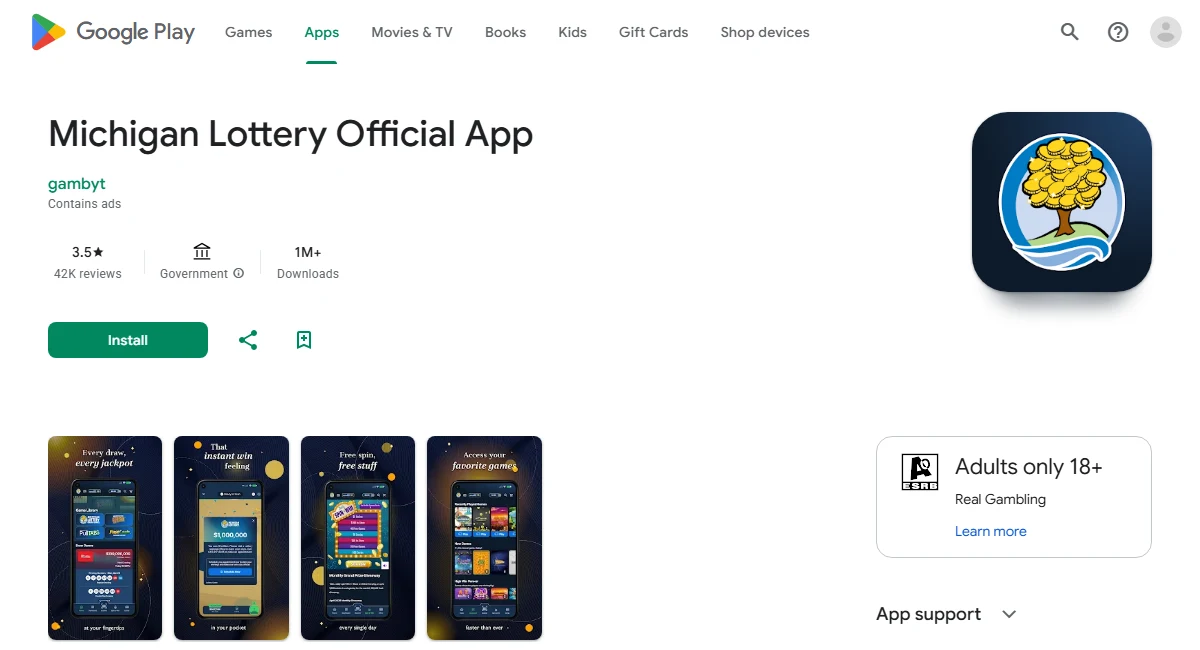
The operator's current Android listing is Michigan Lottery Official App. An iPhone listing is available through Michigan Lottery Mobile on Apple's App Store. Check the device requirements shown to you there. An old APK offered elsewhere may describe a different release and does not prove that the current scanner or account features will work on your phone.
Before installing, decide what you need to do. Seeing published winning numbers, checking a paper ticket, buying an eligible online game and requesting payment are separate tasks. A description that mentions one of them should not be read as a promise that every task is available without an account, location check or further verification. The distinction becomes particularly important with Michigan's new remote ticket cashing option.
Separate the operator app from similarly named scanners
Search results can also include independent Michigan results apps. Similar names, a lottery icon or a claim to scan tickets do not make an app the operator's payment service. Compare the actual destination reached from the official site before sharing account information or permitting access to the camera. On Android, the operator-linked listing currently shows gambyt as its developer; the safe check is the complete official link, rather than assuming that every legitimate developer field must literally say Michigan Lottery.
Keep a separate results app if you find it useful, but understand its role. Our online lottery ticket checking guide explains why a number comparison, barcode read and official validation are different operations. Choose the official route when your question concerns the ticket's status or a claim.
Prepare the account and location required for scanning
A downloaded app is only the first requirement. Michigan's November 16, 2026 remote cashing announcement says that ticket scanner and remote cashing users must be at least 18, have a valid active Lottery account and be physically in Michigan. Reading public results is a different activity. Do not assume that an accessible numbers page establishes your eligibility to use an account feature.
Prepare this access before working through a stack of tickets. Check that you can reach the official sign-in page and that your phone has a usable internet connection. Keep the original tickets together while resolving access. An account problem does not establish anything about whether a particular ticket won, and repeatedly moving the barcode in front of a signed-out screen cannot resolve a password issue.
Use the right account rather than creating a second identity
The operator's mobile FAQ describes a shared account for the website and mobile app. If you already use MichiganLottery.com, start with that existing access. A login prompt in the scanner should not, by itself, lead you to create another account. Use the official recovery path if you cannot remember the password or no longer recognize the account details.
The official account explanation also describes identity verification. Follow the current account instructions directly on the operator's service. Do not send identification, a password or a ticket barcode to a person offering to activate the scanner through a social media message. This guide does not substitute a guessed list of registration fields for the actual process shown to you.
Read location and access messages before retrying
Physical location and an account's mailing address answer different questions. A saved Michigan address does not put a traveling phone inside the state. Read any location message as a location issue, rather than treating it as an unreadable barcode. Check whether the app has the location access it requests; if a genuine in-state session still fails verification, use the official help route instead of trying to disguise your location.
Keep the failure stages separate: sign-in establishes account access, location verification establishes permitted access to the feature, and camera access lets the scanner see a ticket. Recording which stage failed gives support much more useful information than saying only that the ticket will not scan.
Scan an eligible retail ticket and keep the response
Start with one original Michigan ticket, good light and a clear view of its barcode. The operator's scanner instructions describe opening Scanner, signing in if necessary and allowing camera access. Put the complete barcode inside the viewfinder and hold the phone steady. Those are preparation steps for a read, rather than a guarantee that every damaged ticket or unsupported device will produce a usable result.
Use the barcode appropriate to the ticket. The official barcode guide identifies the bottom barcode on printed Draw and Fast Cash tickets and the barcode beneath the scratch-off area on Instant Games. Work carefully enough to expose the intended area without damaging the ticket. A retail product barcode, a copied number or another symbol printed nearby should not be assumed to be the validation barcode the app expects.
Read the actual response before moving on to another ticket. A message that asks for another action needs that action; a screen that never read the barcode has not checked the ticket. Keep the ticket associated with its response, especially if you have several games or multiple draw dates. Otherwise, even a successful check can become confusing when the next paper ticket is placed beside the phone.
Identify the ticket type before choosing a fallback
The official scanner information lists in-store Draw Game, Fast Cash and Instant Games tickets among the supported categories. It specifically excludes Pull Tabs barcodes and directs those tickets to a Michigan Lottery retailer. Trying a Pull Tabs ticket repeatedly is therefore a different problem from a camera failing to focus on an eligible draw ticket.
The same official information says there is no ticket scanner on the Michigan Lottery website. Opening that website in a phone browser does not reproduce the installed app's scanner. You can still use published draw results for a preliminary comparison, but do not describe that as scanning the ticket. If you need an official alternative, take the original to a retailer rather than uploading its barcode to an unrelated website.
Preserve the paper after checking. A phone response can help you decide what to do next, but the original ticket and the operator's current instructions remain central to resolving a disputed reading or completing a claim. Avoid posting an uncensored photograph when asking friends for help.
Understand the new remote ticket cashing route
Michigan changed its mobile claim options on November 16, 2026. The operator's remote ticket cashing announcement introduces a route for eligible winning retail tickets to be credited to a Lottery account. Advice that the app can only check a paper ticket may therefore be out of date. Checking and cashing are still separate actions: reading a barcode does not automatically complete the claim.
Check the November 16 prize range and eligibility
The stated range is $601 through $49,999. The current help guidance identifies eligible retail instant and draw game tickets, while excluding prizes of $600 or less and $50,000 or more from this feature. Being inside the dollar range is not the only test. You also need an eligible ticket, a registered verified account and access that meets the location requirement.
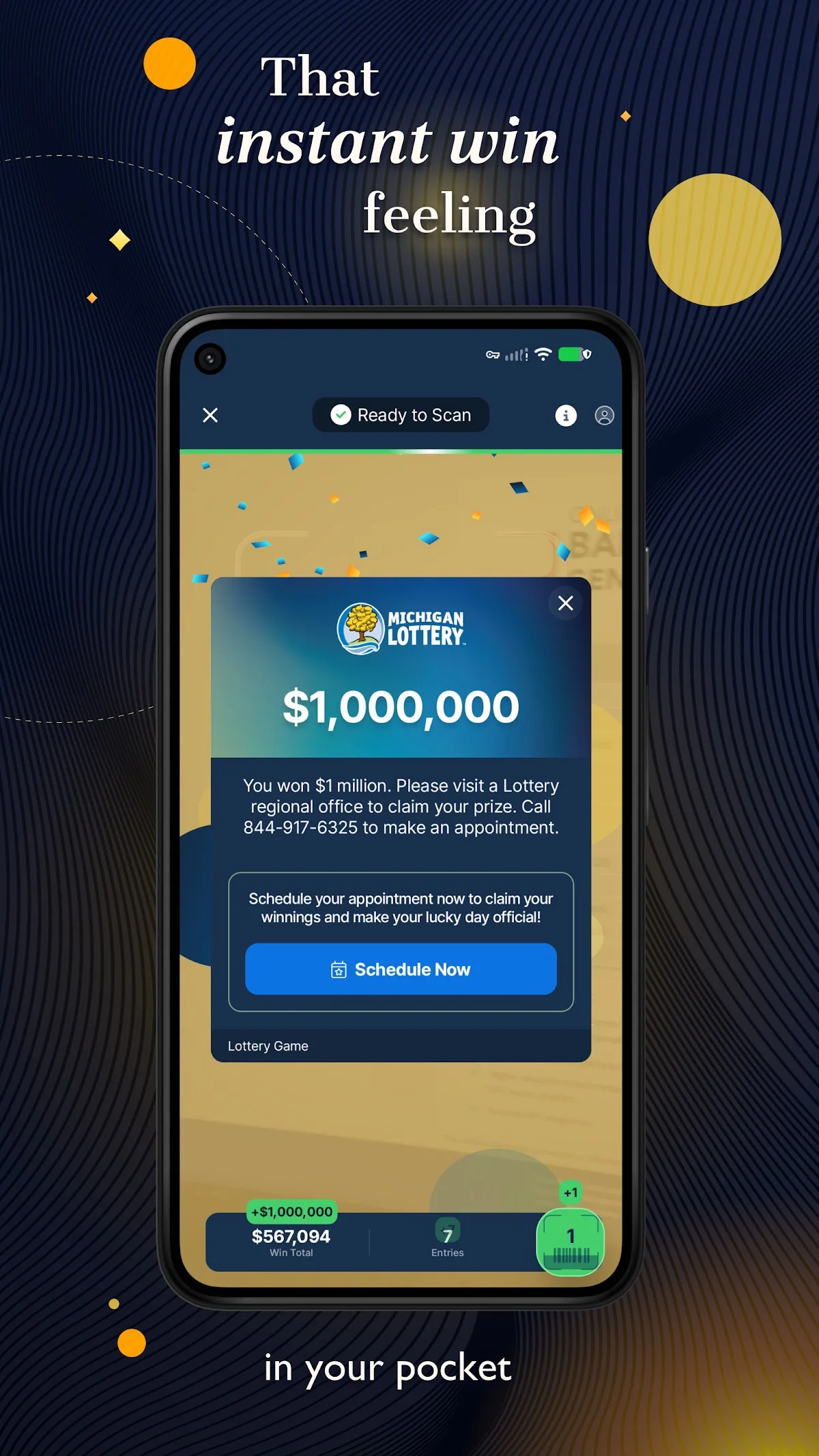
The published route starts by scanning the ticket while signed in, then selecting Cash Online if the option is offered and following the instructions. This is why an absent cashing option should not be interpreted as a losing ticket. It may instead mean the ticket needs a different claim route. Follow the message and current official claim guidance for that specific prize.
Prepare to complete the actual claim rather than stopping at the first encouraging screen. The help page describes additional processing for prizes of $1,000 or more, including ticket photographs and identity information. Supply requested material through the official process. A screenshot sent to an unofficial scanner service cannot substitute for that submission.
Distinguish an accepted claim from an available withdrawal
The remote cashing FAQ says $601 to $999 prizes are credited after successful processing; larger eligible prizes require additional claim processing. It also directs users with a claim still processing not to submit it again. Check the account's claim status and follow the completion notice rather than trying to create a second claim for the same paper ticket.
Account credit and a withdrawal are separate stages. The launch announcement gives a $10 minimum withdrawal, but that does not establish an instant arrival time in an external bank account. Read the applicable withdrawal instructions before relying on the money for an immediate payment.
Keep a clear record of the ticket, claim and final outcome together. The FAQ calls for retaining a copy for at least 90 days after claiming in case verification is needed. Keeping the original secure while resolving the process is sensible as well. Do not throw away the ticket merely because the first scan offered a cashing button.
Compare draw numbers without treating a match as validation
You can do a useful preliminary check even when the scanner is unavailable. Start at the Michigan results hub and select the game printed on the ticket. Then match the draw date and, where applicable, the session. The first result visible on a page may concern a newer draw than the one you bought. A correct set of numbers from the wrong drawing answers the wrong question.
Read across one ticket line at a time instead of gathering matching digits from different lines. Keep the game's separate number groups separate as well. This makes the comparison easier to repeat if you need to explain an apparent match to the operator. The aim is to identify a ticket that needs official attention, rather than to infer a payable amount from a few familiar numbers on the screen.
Daily number games also require attention to the wager recorded on the ticket. Our Michigan Daily 3 and Daily 4 guide provides game-specific context. For a careful check, write down the game, draw, selected digits and printed wager before comparing. Do not silently replace the wager you actually purchased with the one you intended to select.
A comparison through the LotterySnap number checker is a convenience for supported draw results, rather than a connection to the state's ticket validation system. It cannot establish whether your paper ticket was already paid or whether a particular claim has been approved. Return to official scanning or a retailer when those are the questions you need answered.
Scratch-off tickets need a different approach because there is no draw result to compare. A remaining-prizes table describes the game as a whole, not the concealed outcome on the ticket in your hand. Michigan's instant-game FAQ explains that prizes leave those tables when claimed, so the totals can include sold tickets. Neither a large remaining prize nor a disappearing prize proves your ticket's status. Use the official scanner, an available Lucky Spot machine or a retailer check for that individual ticket.
Resolve access problems and preserve the original ticket
Begin with the message you actually received. A scanner that cannot open the camera needs a different response from an account that cannot sign in. If a camera view is available but the barcode is cut off, improve the framing before changing passwords. If the app shows a location restriction, moving the ticket closer to the lens will not resolve that restriction.
There is also a published service window to consider. Michigan's scanner availability guidance identifies daily maintenance from 3 a.m. to 5 a.m. Check the operator's current notices if you are trying during that period. A scheduled interruption should not be interpreted as a losing ticket, but neither should every daytime failure be attributed to the maintenance window without evidence.
For forgotten account access, follow the official password recovery instructions. Reinstalling software does not itself change the password associated with the account or establish the status of a pending claim. Keep track of the original problem before making changes, so that you can tell whether a retry has moved you to a different stage.
Report the stage that failed and use the official alternative
Give support a concise description: your device, app version, approximate time, feature being used and exact non-sensitive error wording. Explain whether the problem occurred before sign-in, before camera access, while reading a barcode or after submitting a claim. Do not publish a password, full ticket barcode or identity document in a public review to illustrate the problem.
Use the operator's current support contacts for an account or unresolved claim. For a paper ticket that simply needs checking, a retailer provides a practical official alternative. For a claim already processing, check its existing status and follow the operator's instructions rather than attempting another submission.
Retain the original until you have resolved the ticket and any required claim steps. A failed read, an unavailable feature or an incomplete account session is not a reason to discard it. Michigan Lottery participation is for adults 18 and older; keep play within a fixed entertainment budget. A more convenient checker helps organize tickets, but it does not change their odds or justify additional spending.

Loading comments...